


- Clearance Sale
- Warehouse Clearance
- Inventory Clearance 2025
- M5-Smart-Green
- 12V Electric Hand-Held Funiro
- Phone Accessories/Power Banks
- Kitchen and Household Items
- Pet
- Fashion and Clothing
- Beauty Care
- Light Shows
- DIY
- Dashcams
- Smartwatches and Bracelets
- Home, Decor, and DIY
- Sports, Recreation
- Toys and Children's Accessories
- Electronics/Computer Science
- Car and motorcycle accessories, diagnostic scanners, GPS
- Gaming Chairs, Armchairs
- Surgical masks and medical device disinfectants
- Earbuds
- Speakers
- Car Radio
- Motorized devices
- Bicók
- Cameras
- Evaporators, Humidifiers
- Furniture
- Top Products
- Projectors
- Electric scooter

WLAN/Wi-Fi Repeater, Wi-Fi Signal Booster that Plugs into an Outlet — Is the signal weak in certain areas of your home? Here's the solution!
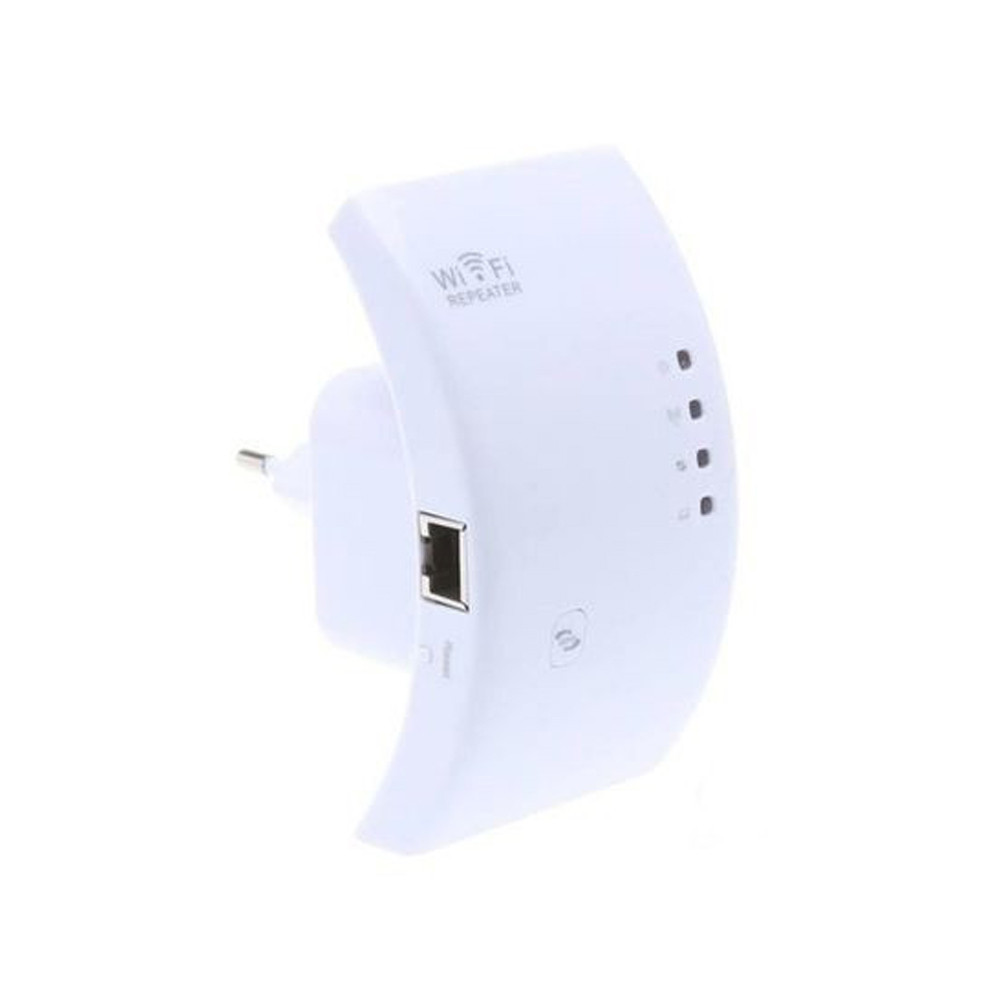
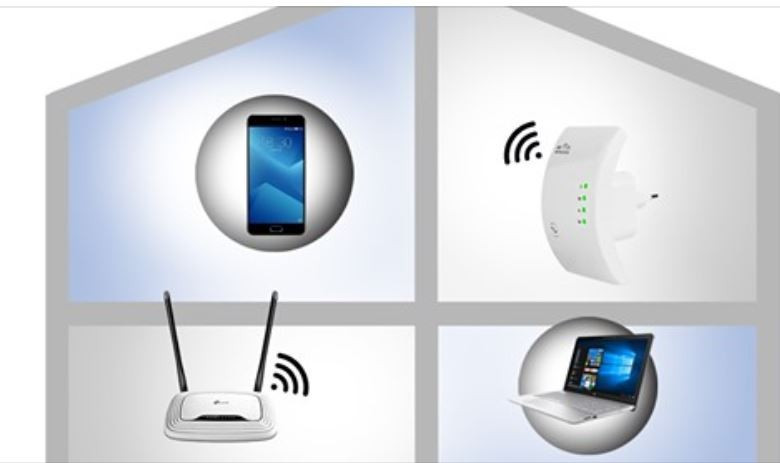
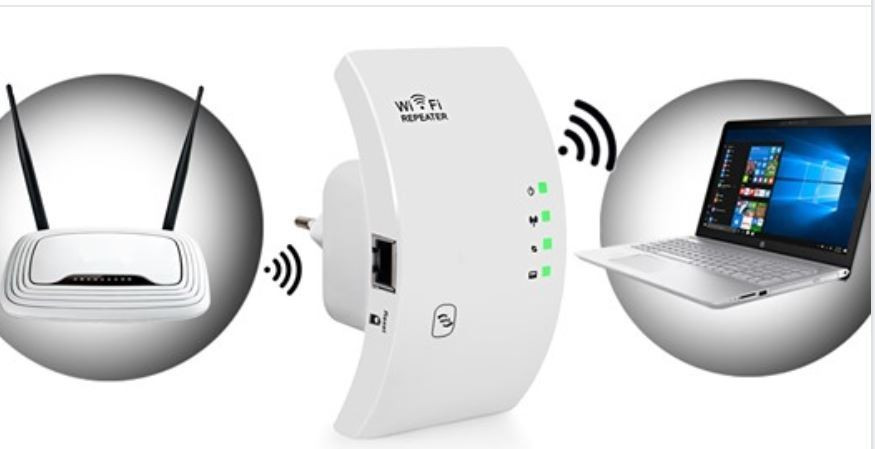
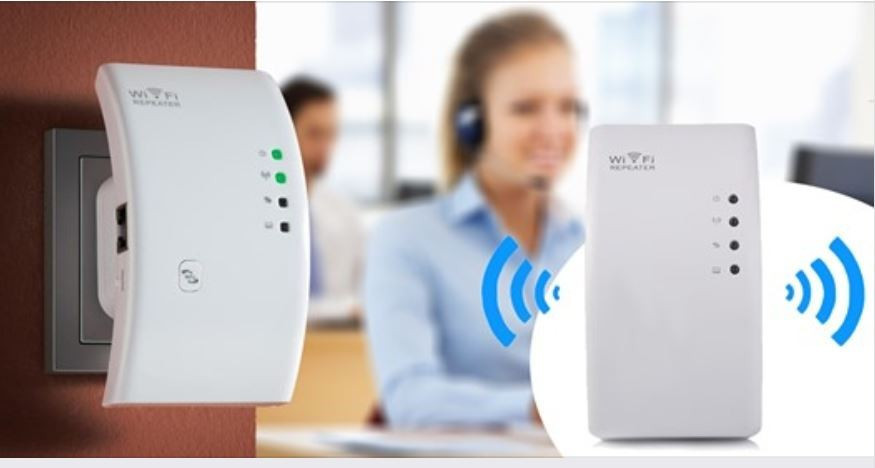
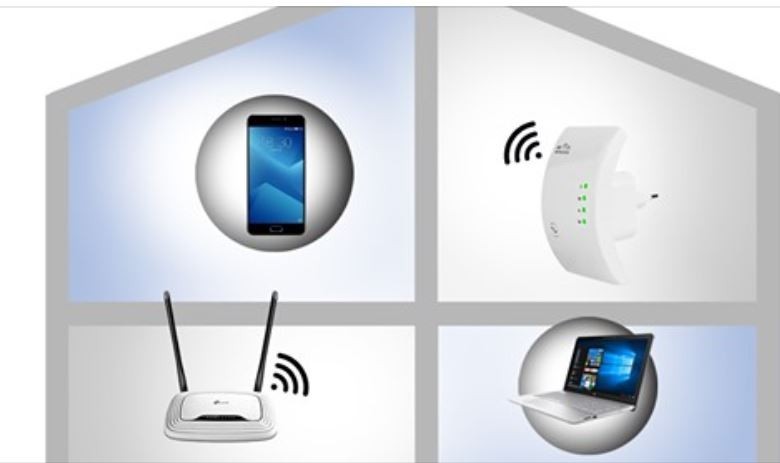
Is your Wi-Fi signal weak? You've come to the right place!
You can extend the range of your wireless network with this WLAN Wi-Fi repeater. This signal repeater and range extender is compatible with all WLAN standards from 11 Mbit/s to 300 Mbit/s! It delivers higher performance, so you can browse the web faster without any lag!
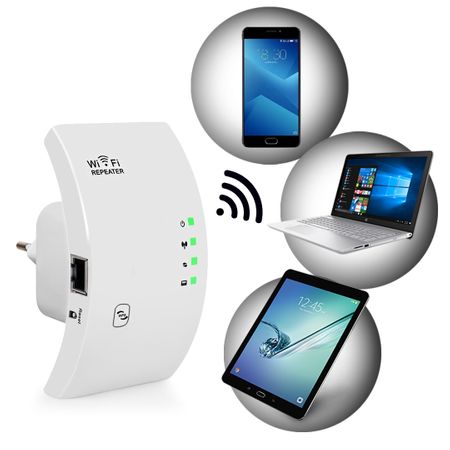
With its strong reception capabilities, it can connect one or more computers to your WLAN network. It fully supports the latest encryption technologies and provides the necessary protection with its built-in firewall to prevent unauthorized access. You can use it at home, in your home office, or in any small room. 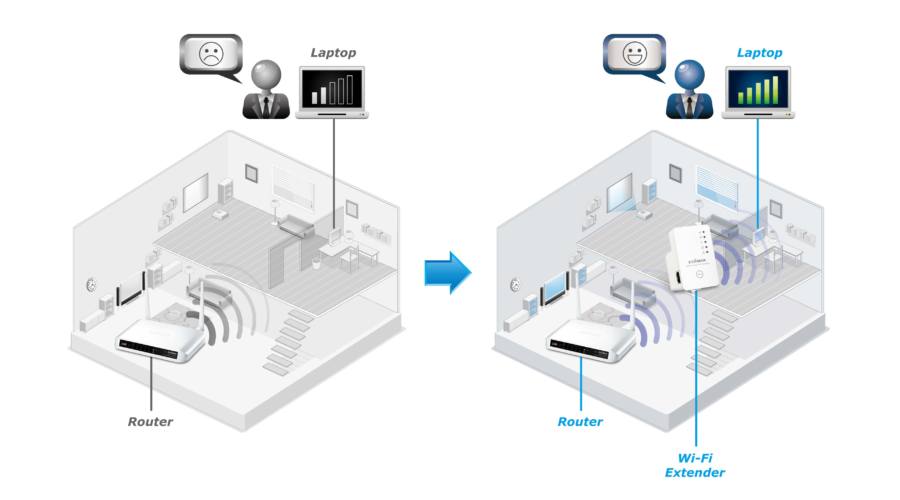
Thanks to its compact, portable design, you can take it with you anywhere, so it comes in handy if the signal is weak in the library, a café, or the hotel where you’re staying.
Here’s how to set it up:
1. Plug the device into an outlet.
2. On your computer, connect to the “Wifi-Repeater” network.
3. In the window that appears after connecting, click “Connect to this network without configuring settings.”
4. Once connected, type the following into your browser (where you enter web addresses): 192.168.10.1, then press Enter.
5. Username: admin, password: admin
6. In the green “Wizard” section at the top, click the “Repeater” button.
7. It will now search for Wi-Fi networks; select the one that has an internet connection.
8. The “Repeater SSID” will be the name of your repeated Wi-Fi network; you can leave it as is or rename it as you like. For the “Security Key,” enter the same password as your current Wi-Fi network, then click the “Apply” button. (Note: If you enter the wrong password, restart the device by holding down the RESET button, then start the setup process over.)
9. If you see the message “Change setting successfully!”, you have successfully connected to the network.
10. A new network will appear among the Wi-Fi networks, with the name you entered in step 8.
11. Connect to the network and enter the Wi-Fi network password.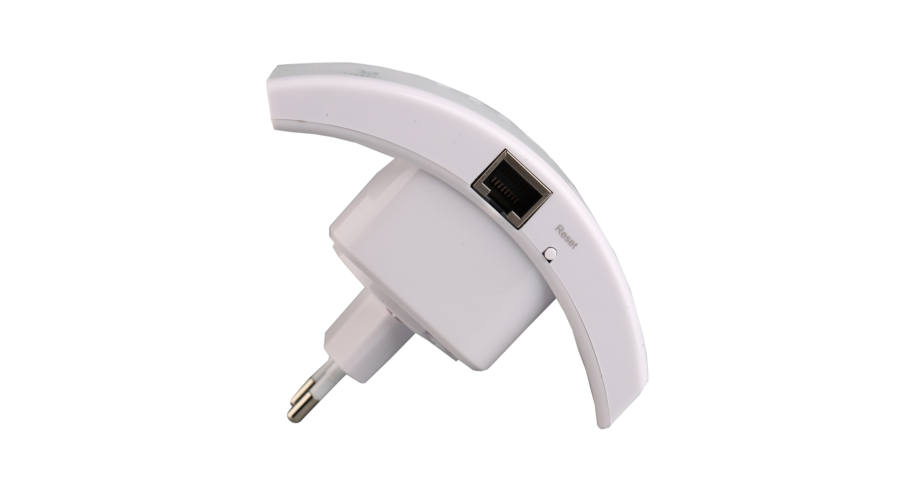
You’re all set!
Wi-Fi signal booster features:
- Compatible with all Wi-Fi standards.
- 300 Mbit/s transfer speed.
- WPS button.
- Wireless standard: IEEE 802.11b/g/n.
- Wireless data transfer rate: 11/54/150/300 Mbps.
- Connectors: RJ45 (LAN).
- Frequency: 2.4 GHz.
- WPS: Hardware.
- Data transfer rate: 300 Mbit/s.
- Dimensions: 7.5 cm x 11.1 cm
Package contents:
- 1 WLAN/Wi-Fi repeater that plugs into an outlet
-
Színek Inventory 26 dbItem number holm0483
