


- Clearance Sale
- Warehouse Clearance
- Inventory Clearance 2025
- M5-Smart-Green
- 12V Electric Hand-Held Funiro
- Phone Accessories/Power Banks
- Kitchen and Household Items
- Pet
- Fashion and Clothing
- Beauty Care
- Light Shows
- DIY
- Dashcams
- Smartwatches and Bracelets
- Home, Decor, and DIY
- Sports, Recreation
- Toys and Children's Accessories
- Electronics/Computer Science
- Car and motorcycle accessories, diagnostic scanners, GPS
- Gaming Chairs, Armchairs
- Surgical masks and medical device disinfectants
- Earbuds
- Speakers
- Car Radio
- Motorized devices
- Bicók
- Cameras
- Evaporators, Humidifiers
- Furniture
- Top Products
- Projectors
- Electric scooter

Radar detector
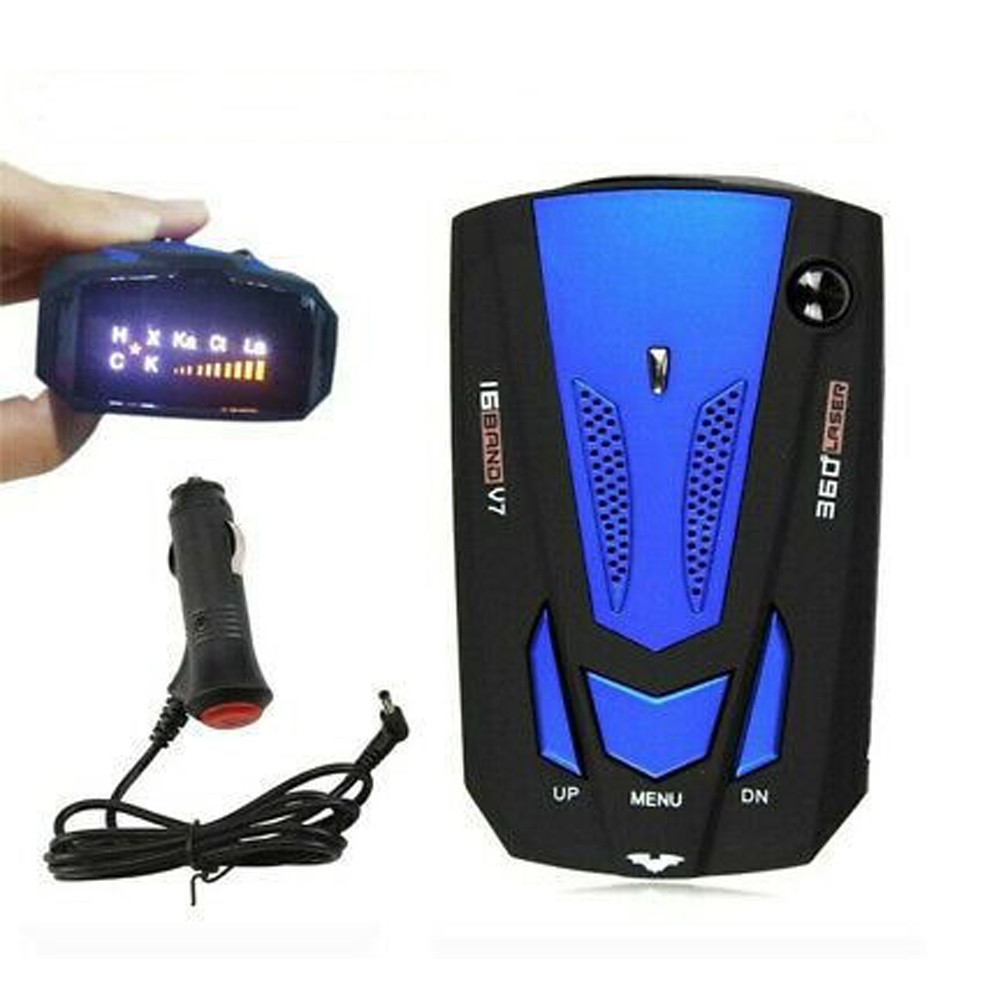
Radar Detector
Safety Instructions
This product is not intended to be used to violate traffic laws. Its purpose is to alert the driver.
Do not adjust the device while driving. Doing so may endanger the driver and passengers and could ultimately cause an accident.
Do not look at the screen for long periods while driving; inattention can cause an accident.
The power supply must be DC 12V.
Do not store the product in a damp, salty, or oily environment.
Do not leave the device in the car for extended periods at high temperatures.
Use the product with the accessories included in the package to prevent malfunction.
The driver and operator are familiar with the use of the device and the applicable laws and regulations.
Package contents:
-
radar
-
power cable (DC 12V)
-
non-slip pad
-
user manual
-
Declaration of Conformity
Operation
UP: Press this button to increase the volume
Menu: Press this button to increase the brightness
DN: Press this button to decrease the volume. Press and hold this button for more than 3 seconds to switch between city and highway modes.
The device has an automatic memory function to save all default settings.
The default settings are: maximum volume / screen brightness set to maximum / highway mode.
Operating Mode: City
To enable radar alerts in city mode, press the UP button; the system will alert you every 10 seconds and then return to the default settings once the radar signal has disappeared.
Mode: Highway
This is the default setting
You can change the mode as desired using the settings above.
Turning On/Off – Plug the power cable into the cigarette lighter, start the engine, plug it into the device; the device is now turned on.
Product ON/OFF – When the unit is turned on, a voice prompt indicates that the GPS radar system is active and the radar signal has been successfully connected.
Voice Alert Mode – When the radar detects a fixed camera or a portable speed gun, it will automatically announce it.
Sound Settings – adjust the volume. Volume levels: high, medium, low.
Reception Mode – press and hold the button for several seconds, then select either Highway or City mode.
City Mode – In city mode, the device can receive signals from various sources, continuously analyzes them, and the program automatically evaluates and displays the measurements.
Highway Mode – The device is sensitive to radar detection.
-
Inventory 101 dbItem number holm0892
